
How to Search Beaver County Court Records
Beaver County's official website sends the public to On Demand Court Records, known as ODCR, through its Court Records link. The site is free to search and free to view, and it carries docket data for the Beaver County District Court. The ODCR status page shows that Beaver County records reach back to June 5, 1997, and the system refreshes them every hour. The listed court official is Debbie Bobeck, and the office line is 580-625-3191.
A name or a case number is all you really need to begin. Last name first works best for people. If you hold a case number, the year and the prefix speed things up. A date range trims a long result list. ODCR shows an error when too few details are entered, so add a court and a name before you submit.
The ODCR public search page lays out every field on one screen. 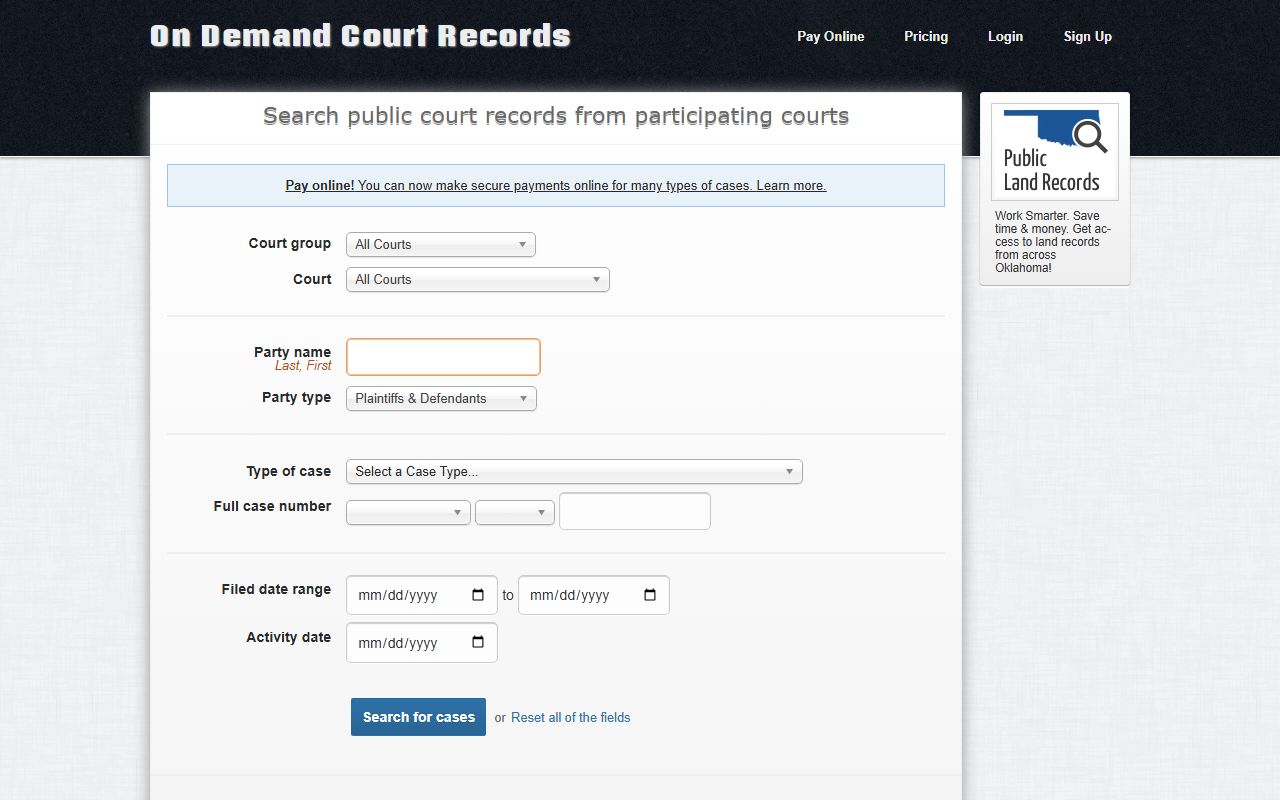 The form lets you pick the Beaver district court, type a party name, and choose a case type before you run a Beaver County court records search.
- Open ODCR, set Court group to Oklahoma District Courts, then pick Beaver as the court.
- To search a person, type the party name as Last, First, and leave party type on Plaintiffs & Defendants for most cases.
- Narrow by case type when you know it, such as felony, misdemeanor, traffic, probate, or family and domestic.
- If you have the full case number, use the prefix, year, and number fields, since Oklahoma numbers follow a prefix-year-number pattern like CF-2025-10.
- Add a filed-date range or an activity date to cut false matches.
- Open a result to read the docket entries, parties, filing dates, case status, and any payment data.
- For a sealed, juvenile, adoption, or mental health case, call the Court Clerk, because those files are not open online.
Beaver County Court Records Search Fields
Each ODCR field has a job, and a short tour helps a first-time user. The court list holds every Oklahoma district court, with Beaver shown under the value 004-. Party type lets you widen a search past the named plaintiff and defendant. The case-type menu is long, and it splits criminal, civil, probate, family, traffic, and many license categories. The table below maps the main fields you will use on a search.
| Field Label | Type | Required | Notes / Format |
|---|---|---|---|
| Court group | Dropdown | No | All Courts, Oklahoma District Courts, or Tribal Courts. |
| Court | Dropdown | Recommended | Pick Beaver (value 004-) under Oklahoma District Courts. |
| Party name | Text | No | Label reads "Last, First"; use last name first for people. |
| Party type | Dropdown | No | Plaintiffs & Defendants, or All Parties for a wider search. |
| Type of case | Dropdown | No | Felony, misdemeanor, traffic, probate, family, small claims, and more. |
| Full case number | Compound | No | Prefix dropdown, year, and number; prefixes include CF, CM, CV, FD, PB, PO, SC, TR. |
| Filed date range | Date | No | Start date and end date to narrow results. |
| Activity date | Date | No | Filters by the date of docket activity. |
| Search for cases | Button | n/a | Runs the search once enough criteria are set. |
Searching OSCN Court Dockets
The Oklahoma State Courts Network, or OSCN, is the statewide companion to ODCR. Beaver County District Court appears in its county dropdown. Type a case number like CF-2014-1 for a direct hit, or browse the daily docket reports for scheduled events. A verification screen sometimes shows up. If a page will not load, ODCR or a call to the clerk gets you the same record. For a closer look at hearing calendars, the Beaver County court dockets page breaks them down further.
The OSCN docket search handles both case-number lookups and daily reports. 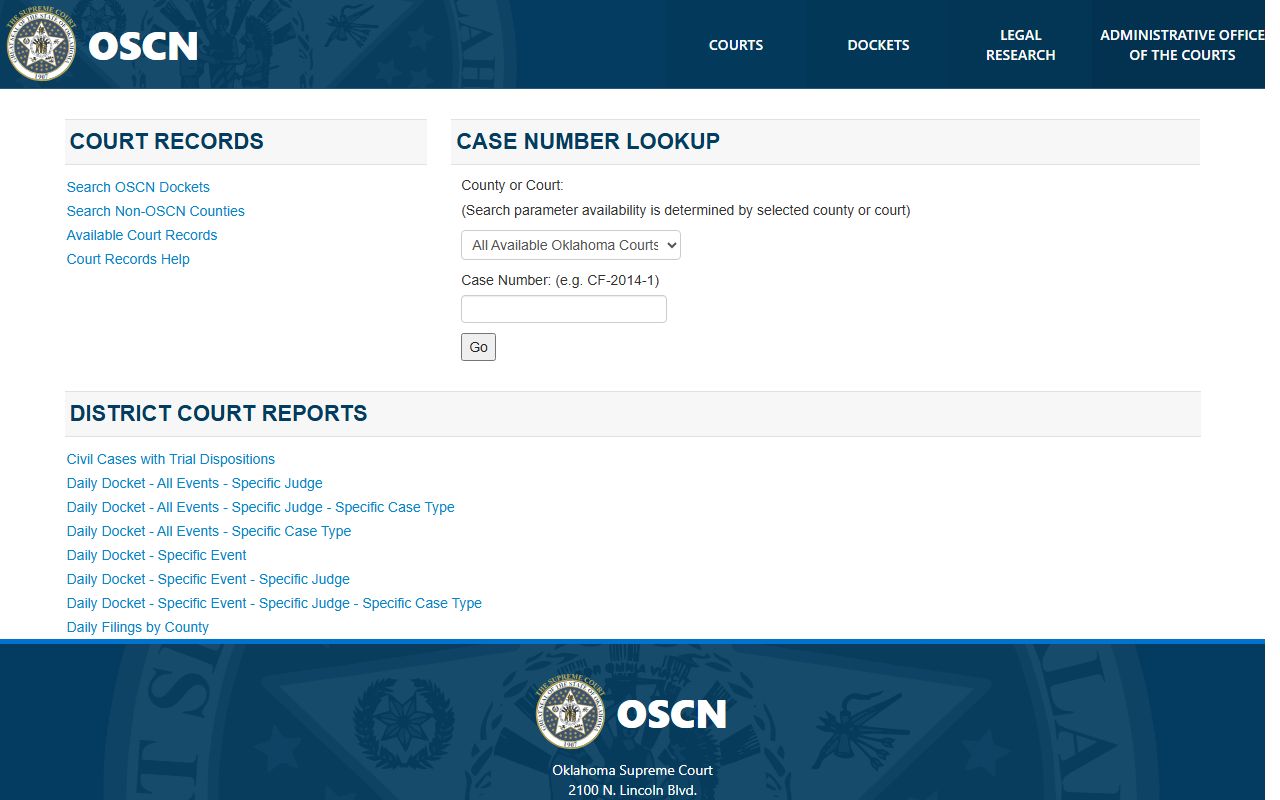 A clean docket view like this is the core of any Beaver County court records search that starts from a known case number.
OSCN also posts daily docket and filing reports for the district courts it serves. These help when you want a list of upcoming events rather than one file. Common views cover civil cases with trial dispositions, the full daily docket for a specific judge, the daily docket for a specific case type, the daily docket for a single event type, and the daily filings by county. Pick the report that matches what you are tracking, then set the date.
Note: OSCN and ODCR both pull from the same district court system, so a case missing from one tool can often be found in the other.
Types of Beaver County Court Records
The District Court is the trial court of general jurisdiction for Beaver County. Its Court Clerk keeps the permanent record for several divisions, and those divisions cover most of the cases a county can file. The clerk's office works with Civil, Criminal, Probate, Juvenile, Domestic Relations, and Small Claims dockets. Each division shows up as one or more case types inside ODCR.
Not every case lives at the district level. City ordinance matters and many local traffic tickets go through Beaver Municipal Court, which uses a separate payment portal. A district traffic ticket appears in ODCR, while a municipal citation may not. The main record types you can search include:
- Civil cases: petitions, answers, judgments, liens, garnishments, and money claims over and under $10,000.
- Criminal cases: the charging information, bond events, pleas, judgment and sentence, fines, and costs.
- Family and domestic: divorce, custody, support, and paternity, with sensitive parts sometimes sealed.
- Probate: estates, wills, guardianships, conservatorships, and trust matters.
- Small claims: money disputes where the amount sought is under $6,000.
- Traffic, protective orders, and search warrants, each filed as its own case type.
What Beaver County Court Records Show
A docket is a running list of everything that has happened in a case. Open one and you see the case number, the court, the parties, and the filing date at the top. Below that sits a line for each event, such as a motion, a hearing, a plea, or a judgment. Criminal files add charges and bond data, while civil and probate files add orders and accountings. The table below explains the fields you will read most often.
| Field | What It Shows |
|---|---|
| Case Number | The prefix, year, and number that name the case, such as CF for felony or PB for probate. |
| Court and County | Beaver County District Court, or a municipal court for city violations. |
| Filing and Activity Date | When the case opened and the date of the latest docket entry. |
| Parties | State of Oklahoma, plaintiff, or petitioner against the defendant or respondent, plus any attorneys. |
| Charges or Cause | The criminal offense text, the civil cause, or the probate proceeding type. |
| Docket Events | Filings, orders, hearings, warrants, pleas, continuances, and payments in date order. |
| Financial Fields | Fines, fees, costs, bond, payment-plan numbers, and any unpaid balance. |
| Disposition | The outcome of the case or a single charge, including a judgment and sentence. |
Paying Balances and E-Filing Access
Some district courts let you pay a court balance online. The OSCN e-Payments tool lists Beaver in its county menu. You start the flow with a case number, a citation number, or a payment-plan number, then the cost and payment steps follow. The tool notes that municipal and sheriff traffic citations can use different number formats, so the citation in hand should match the right court.
Oklahoma also runs a statewide e-Filing portal for attorneys and approved filers. 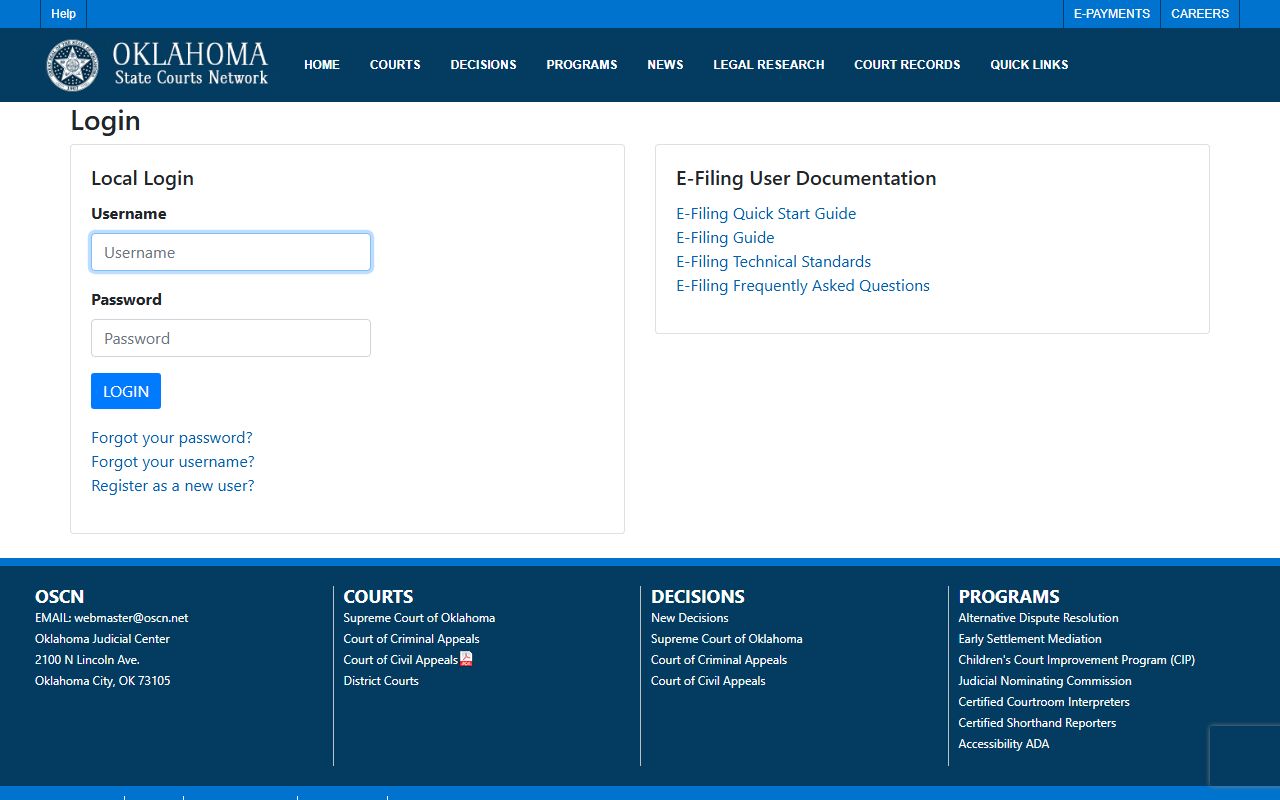 The login screen and its public-access notice make clear that registration is required to file rather than to read records.
E-filed documents count as official court records. Even so, the e-Filing FAQ states that public file access still runs through OSCN and the public site, and that paper or certified copies still come from the Court Clerk. You cannot request a certified copy through the e-Filing system.
Note: Pay an online balance only when the citation, case number, and court all match, since a payment to the wrong court can be hard to reverse.
Public Access to Beaver County Court Records
Court files in Oklahoma are public by default. The Oklahoma Open Records Act, found at 51 O.S. sections 24A.1 through 24A.30, requires public bodies to allow people to inspect and copy records unless a law makes a record confidential. Under 51 O.S. section 24A.5, records stay open during regular business hours except for material the law specifically exempts. Court access also follows court rules and any sealing order a judge has signed.
An Oklahoma Attorney General opinion hosted by the courts confirms that records must be available at the public body's office. 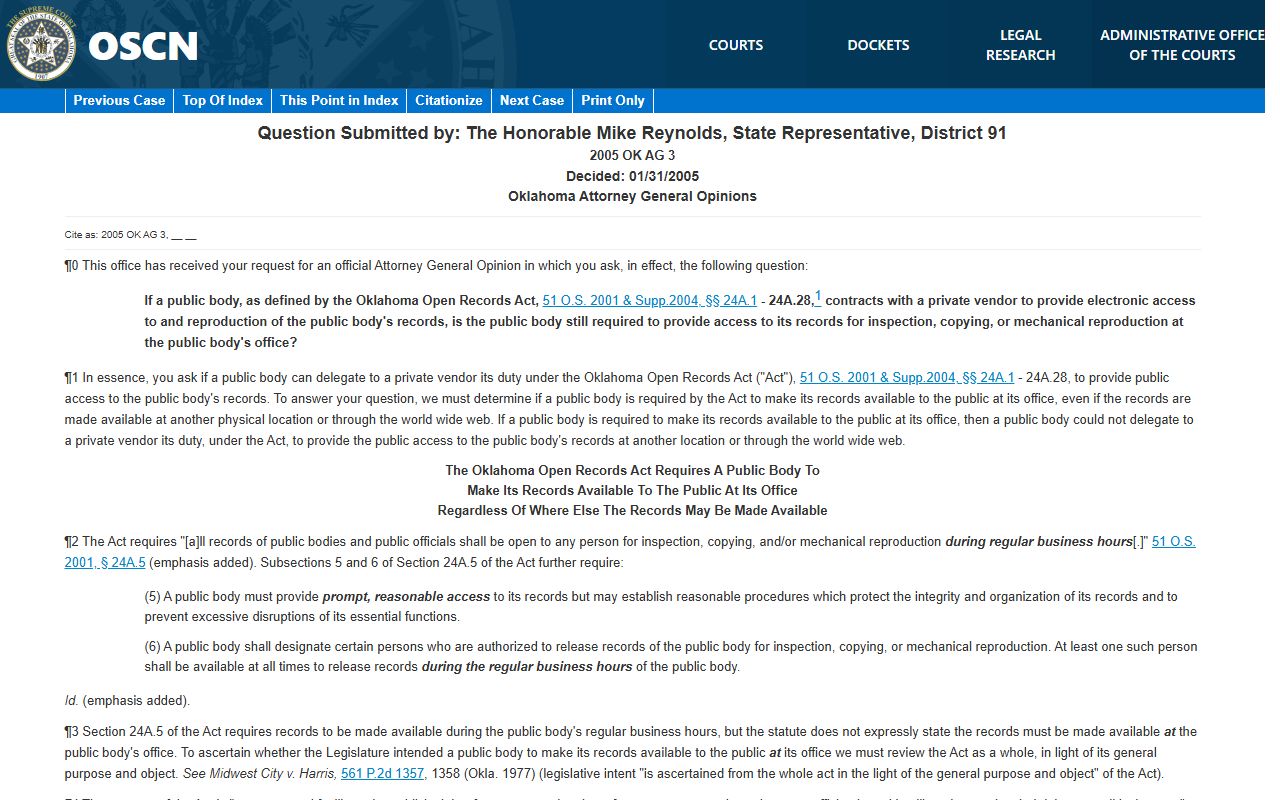 You can read that open-records opinion for the legal basis behind in-person access.
Online access is not the same as the entire official file. ODCR and OSCN show dockets and many filings, yet some documents live only on paper at the courthouse. For older files, full documents, or a certified copy, the Court Clerk is the right office to call.
Note: A free online docket is enough for most lookups, but only a certified copy from the clerk carries legal weight in another court or agency.
Sealed and Confidential Beaver County Records
Some cases never show up in a normal search. Juvenile records are restricted by law, and a person may seek to expunge an eligible juvenile record under 10A O.S. section 2-6-109. Adoption files are not ordinary public records. Mental health cases often carry confidential medical detail. A sealed or expunged case usually drops out of ODCR and OSCN entirely, and access then needs the subject, an attorney with authority, an agency, or a court order.
Eligible criminal records can be sealed too. Under 22 O.S. sections 18 and 19, a person files a petition, names the records and the statutory ground, and serves notice on the prosecutor and the agencies that hold the records. The court may hold a hearing. If the judge grants the petition, an order directs the clerk and listed agencies to seal or expunge the file. Filers must also follow Rule 31 personal-identifier rules, which keep Social Security numbers, account numbers, and minor names out of the public file.
Important: A case type showing in a search menu does not mean every such file is open. Juvenile, sealed, adoption, and mental health matters stay restricted even when the category appears.
Requesting Copies From the Court Clerk
The Court Clerk is the office to reach for paper copies, certified copies, and files that are not online. You can visit the counter at the courthouse, mail a request, call the office, or send an email. Mail works best for a certified copy once you have confirmed the fee and the exact case identifiers. A short call first saves a wasted trip or a returned payment. The office also collects court costs and license fees, and you can read its duties on the Court Clerk page.
ODCR itself is free to search and free to view. 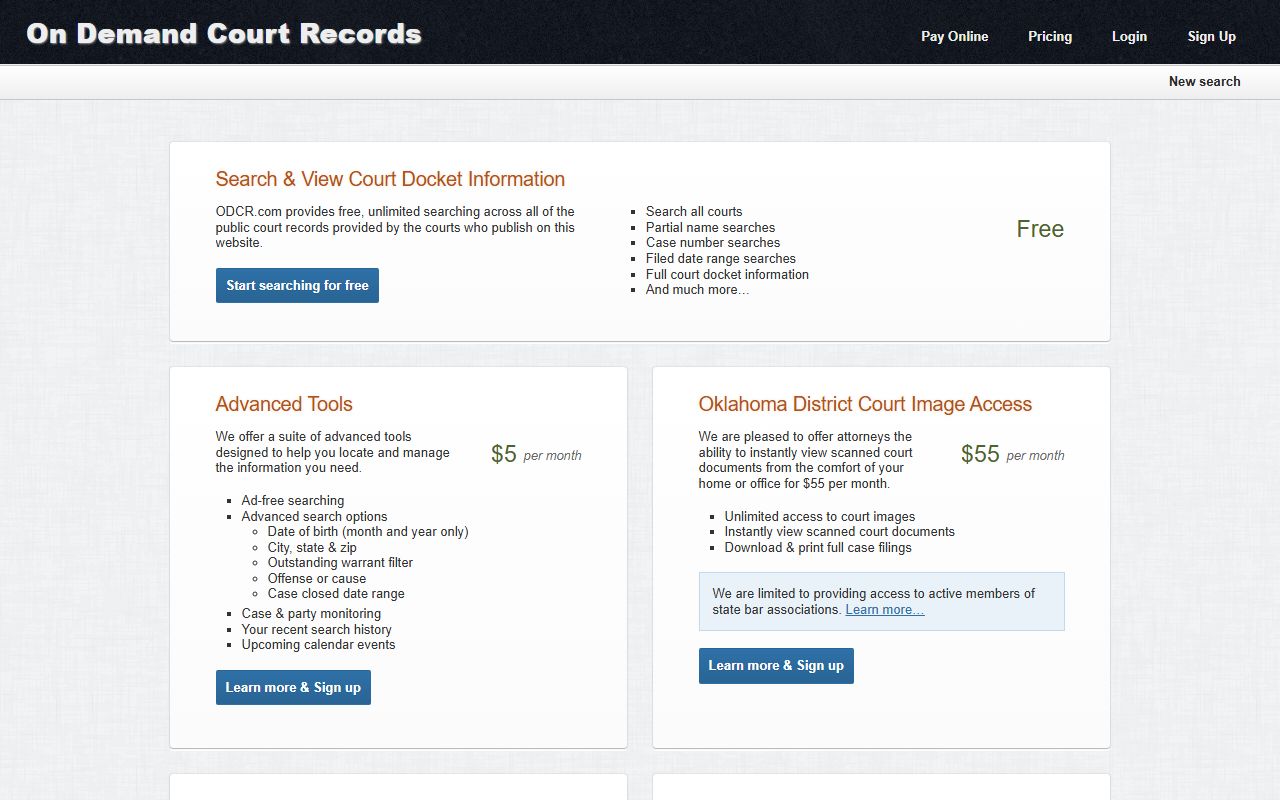 The ODCR pricing page confirms that public docket searching and viewing carry no charge, so paid options matter only for high-volume account users.
Local copy and certification fees are not published on Beaver County's own pages. Many filing fees follow Title 28 of the Oklahoma Statutes, yet a local total can also add law library, automation, or certified-copy charges. Because of that, the safe step is to call the clerk at 580-625-3191 before you mail any payment.
Court Clerk's Office
P.O. Box 237
Beaver, OK 73932
580-625-3191
Hours: 8:00 to 5:00, open noon
Note: Confirm the fee, the case number, and accepted payment with the clerk before mailing, since older files may need extra search time.